AI operations for real business

More time for your business. Less administration.

Prepare invoices, organise expenses and get a clearer view of Dutch VAT. ELWAVE brings the work together. Tax Engine helps with the figures. Tax Knowledge explains the rules.

Operator does the legwork. You remain the decision-maker.

ELWAVE / YOUR BUSINESS IN VIEWPILOT IN PREPARATION
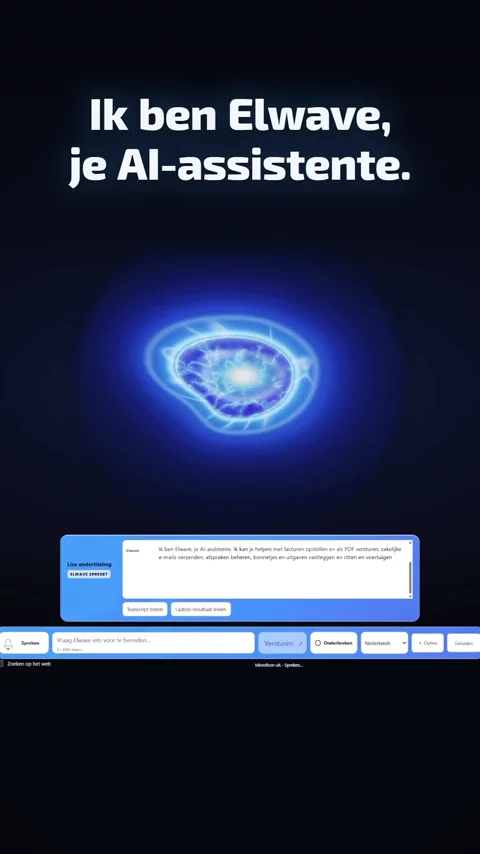
A luminous blue glass orb
Operator
ONE OPERATOREVERYDAY WORKYOUR APPROVAL
Talk onceWork coordinatedActions protectedResults visibleExplore ELWAVE

ELWAVE / Connected administration

Your business. In a clearer light.

Invoices, expenses, messages and appointments keep their context. One connected system brings the work into view.

Late pre-launch · controlled onboarding
An ELWAVE glass core connecting documents, email, a calendar and business trips
One connected workflow
  1. Message
  2. Document
  3. Decision
  4. Record

Keep the context.

A customer’s message starts the work. The original stays connected.

Illustrated workflow · no business action is performed

ELWAVE / Connected work

One request.A clear result.

“Prepare the invoice for the Janssen visit.” Speak or type. The customer and completed work stay in context.

Request
  1. Request
  2. Prepare
  3. Review
  4. Execute
  5. Result

Illustrative workflow · no email or business account connected

Operator
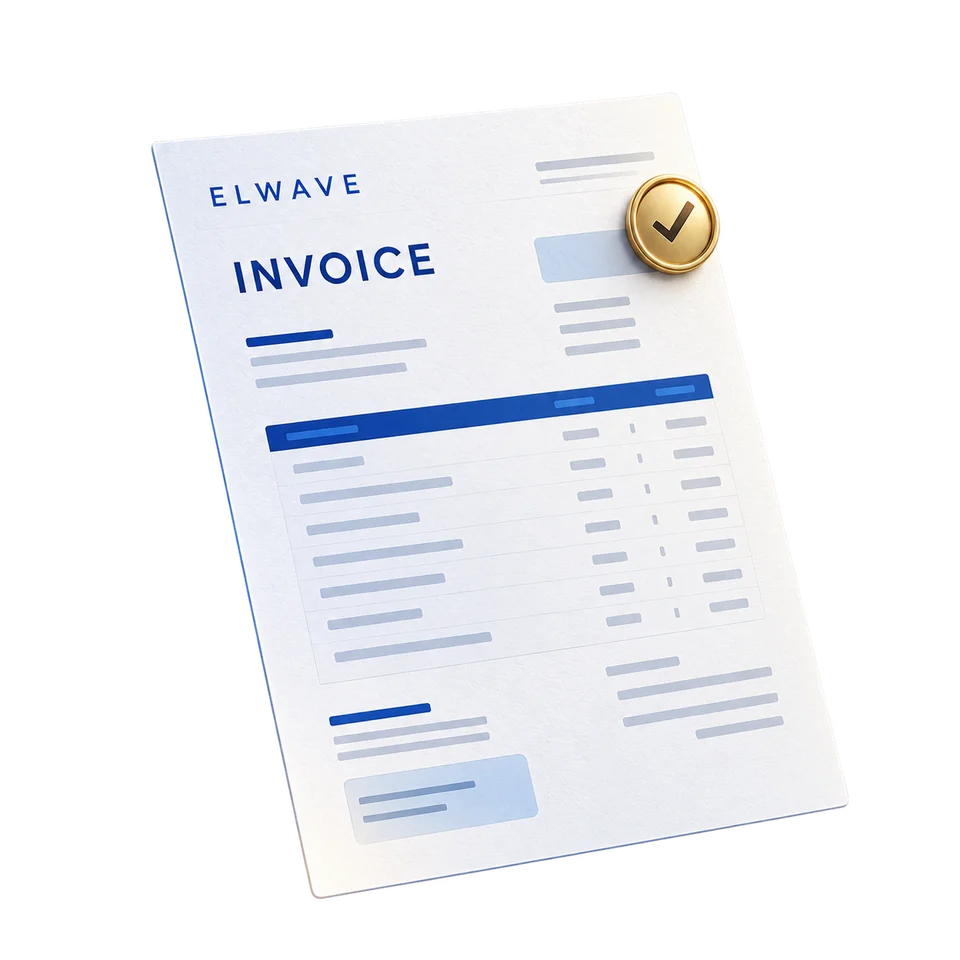
ELWAVE SO-1042

INVOICE

Janssen
customer visit.

Completed service work

Net amount
€200.00
VAT · 21%
€42.00
Total
€242.00
Request understood
Gateway

From paper to a useful record

Capture it. Check it. Keep it together.

A receipt becomes an organized expense. Review the amounts and keep the original attached to the work.

A receipt and its organized expense record
  1. Scan the receipt
  2. Extract the amounts
  3. Review the expense

Operator / Voice & text

Say what needs doing.

Speak or type. Review the proposed work and approve the important action. Operator is the intended interface to ELWAVE.

Being tested for the pilot · mobile interface planned
Operator voice interface concept across a laptop and phone
  1. Speak or type
  2. Review the proposal
  3. Your decision

See the existing walkthroughs

Meet Operator in your language.

Watch the demo in Dutch or Polish.

CHOOSE YOUR DEMO
Operator demo preview: Dutch

Operator, in Dutch.YouTube loads when you press play.

Watch on YouTube

A QUICK LOOK

ELWAVE in 40 seconds.

Two short films. Choose your language and press Play.
CHOOSE YOUR DEMO
ELWAVE short preview: In Dutch
In Dutch0:40
Watch on YouTube

Two tax tools. One clearer picture.

The numbers. The knowledge behind them.

Tax Engine

A clear view of your VAT figures.

Invoices and costs become a quarterly summary. Review the calculation and missing details before you or your accountant submit the return.

Connected and ready
What the example includes

€2,100 of VAT charged minus €630 of potentially reclaimable VAT gives €1,470. Eligibility and source records need review. These illustrative amounts are not your business figures.

Invoice and expense records flowing into a VAT calculation and summary
  1. Invoices and costs
  2. Calculate the difference
  3. Review the summary
VAT charged
€2,100
Input VAT to review
− €630
Illustrative difference
€1,470

Example only · Not submitted. Direct submission to Belastingdienst is planned and is not available. You or your accountant handle filing.

Tax Knowledge

Understand the rule behind the number.

Ask in your own words. Tax Knowledge is being developed to connect plain-language explanations to the relevant sources and the details you need to check.

Being tested for the pilot
Question → source → explanation → review

For a question such as “Can I claim back VAT on this expense?”, the intended answer identifies guidance, its source and date, and missing facts such as the invoice or business use. This is an interface illustration, not individual tax advice.

Tax Engine calculates. Tax Knowledge explains.

A highlighted source connected to a plain-language explanation
  1. Ask a question
  2. Identify the source
  3. Explain what to check

Source-based explanations, with a clear next thing to check. Ask an accountant about your specific situation.

API Gateway / Permission before execution

Useful work. Under your control.

Each request carries its business context. Gateway checks identity, permission and required approval before reaching connected tools.

In active development
Separate client contexts passing through an authorization shield to approved tools
  1. Identify the business
  2. Check permission
  3. Route the allowed action

ELWAVE / Morning briefing & daily summary

Your day, from plan to summary.

Start with a short message: your appointments, important tasks and invoice reminders. In the evening, see what was done, the income recorded and what is left for tomorrow.

Late pre-launch
Messages, appointments and documents brought into a daily briefing
  1. Appointments
  2. Open decisions
  3. One daily overview

Start with what you need

One task. A website. Your connected business.

A document workflow connecting an approval point, calendar and email

Connected work.

Move information between your tools, with an approval where the workflow needs one.

Explore Automations
A website design concept shown across desktop and mobile screens

A clearer first impression.

Custom-coded websites for your business. Explore our actual projects and responsive design directions.

Explore Websites
Custom integrations connecting databases, business applications and documents

Built around your work.

Selected integrations and custom operational tools. Start with the process that needs attention.

Explore Services

Custom-coded. Built around your business.

We design and code websites.

A service business. A technology brand. A future online store. Three different directions, each designed around the people you want to reach.

Delivered client website

REXDAK

One roofing business. One custom-coded website. Clear services, the client’s project evidence and direct paths to a quotation or conversation.

The need
Help visitors understand the roofing services and find the appropriate contact route.
Delivered scope
Custom business website with service information, project gallery and contact journey.
The solution
Service content, the client's project photographs and quotation, phone and messaging paths in one website.

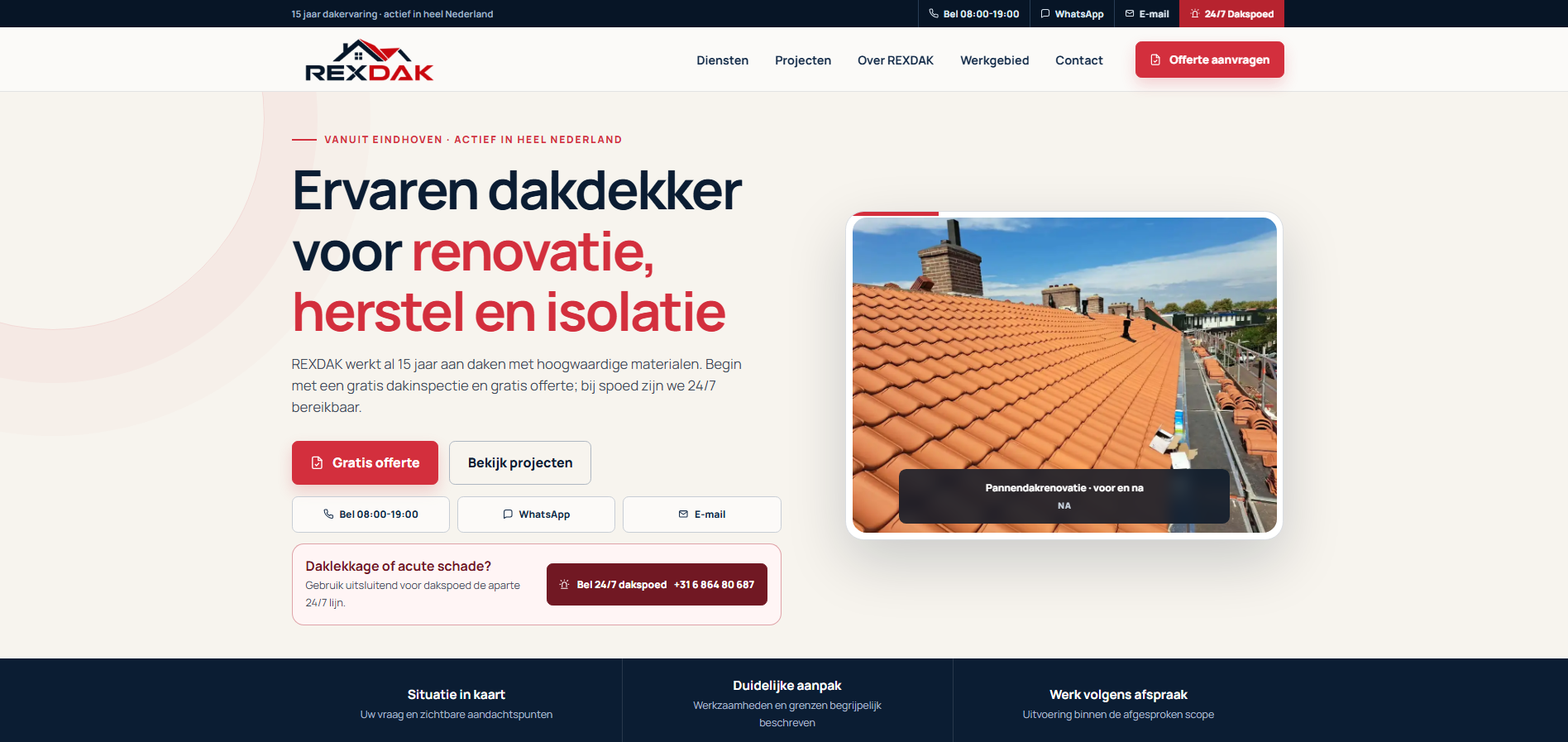
REXDAK / Homepage

Full-size image
REXDAK custom website homepage with service information and enquiry actions
Make the service and next step clear.

The homepage explains the roofing offer and brings quotation, telephone, WhatsApp and email paths into one recognizable customer journey.

Homepage · 1 screenshot

Five views of one delivered website. Measurement examples show recorded interactions, not verified customer acquisitions, sales or advertising performance.

Explore our websitesDiscuss my website

The work behind the website

A good first impression.
Then a connected business.

We can also connect the enquiry to Google Workspace, organized follow-up, ELWAVE administration and agreed automations. Start with the website, or plan the complete setup.

Your websiteMake the offer clear.
A useful enquiryCapture what the customer needs.
Organized follow-upGive the next step an owner.
Connected administrationKeep tasks, documents and records together.
Plan my business setup

Client-owned accounts. Agreed scope for hosting, subscriptions, advertising and support.

LET’S START WITH YOUR BUSINESS

A small first step.
A more useful working day.

Applications are open while testing continues.
We’ll work through the next steps together.

Join the pilot
  1. Register your interest

    Tell us about your business using the pilot form on our contact page.

  2. Have a conversation

    We’ll discuss your work, suitability and pilot arrangements.

  3. Get connected, step by step

    Access, available workflows and terms are confirmed individually.

GOOD QUESTIONS

A few things
you might be wondering.

Can I use ELWAVE in different languages?

Yes. ELWAVE supports three languages, so you can speak or type in the supported language that suits you.

Who is ELWAVE for?

ELWAVE is being developed for self-employed people and small businesses, with an initial focus on entrepreneurs working in the Netherlands.

Can I join the pilot now?

You can register your interest now. We are testing ELWAVE and preparing the first customer connections. We will contact you to discuss suitability, access and the pilot arrangements individually.

What happens after I apply?

We review your application and contact you by email about your business and the work you would like help with. Applying does not create an account or guarantee access.

Does ELWAVE act without asking me?

The workflows described here include a review and confirmation step. You check the relevant details before an invoice is sent, an entry is saved or another action is confirmed.

Does ELWAVE submit my VAT return?

No. Tax Engine calculates figures for Dutch VAT returns. Direct submission to Belastingdienst is planned and is not available. It will only be introduced after the required permissions and formalities are in place.

How much does the pilot cost?

Pilot terms, including any costs, are discussed and confirmed individually before you join. Submitting the interest form does not commit you to a purchase.

CONTACT ElwaveTech

Let’s talk about
your next step.

A question about ELWAVE, a website or the tax tools?
Tell us what you have in mind.